

Start with one image
Choose a JPEG, PNG, GIF, or WebP file from your device. The tool animates the image itself, so no 3D model file or account is required.
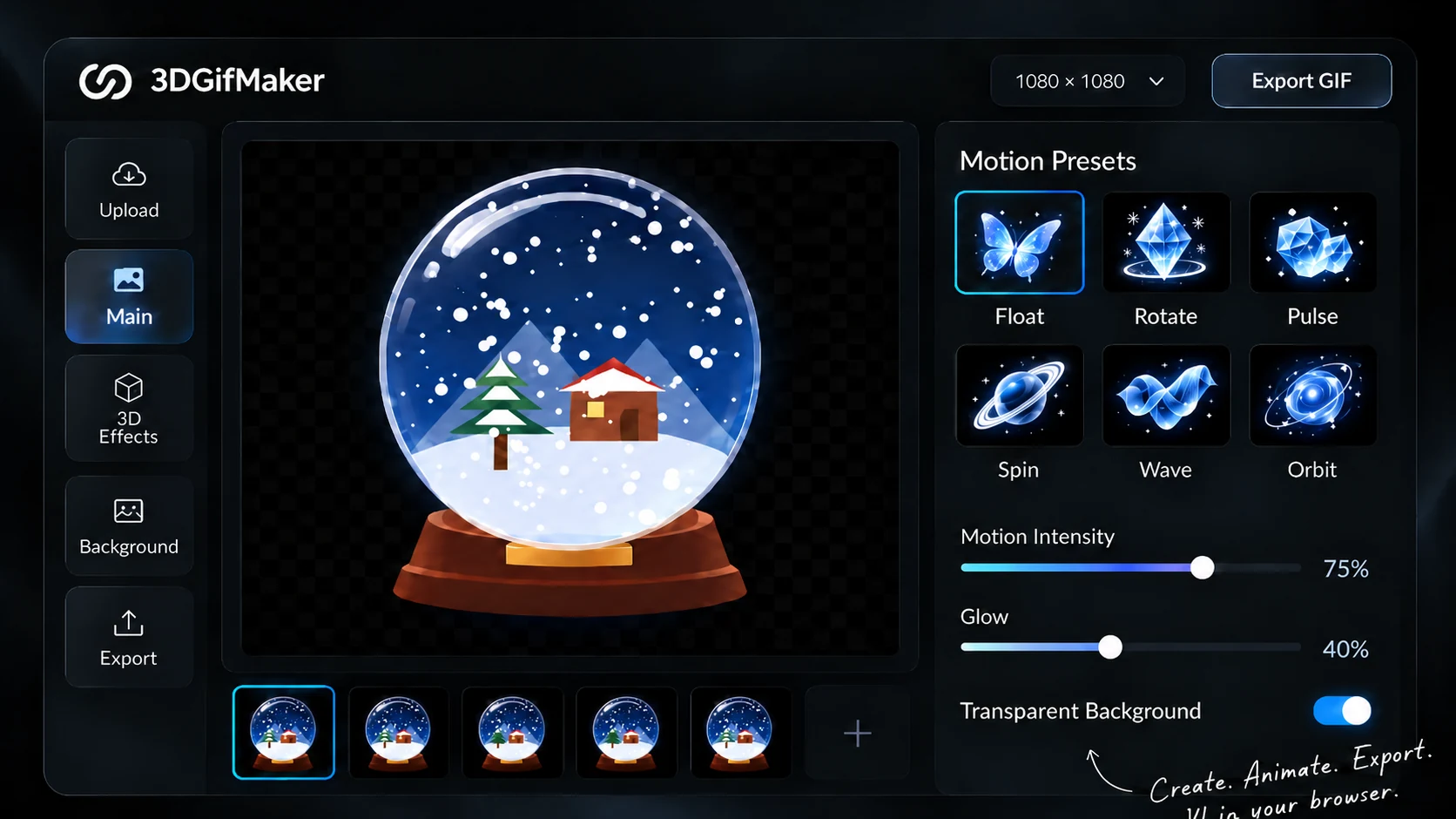
Use this free online 3D GIF maker to turn one still image into a looping animated GIF. Choose a 3D-style motion, tune the frames, preview the result, and export without uploading your source image.
Free to use. No sign-up. Private by design.
Made with a little imagination. Explore 3D GIFs from the community, then create your own.

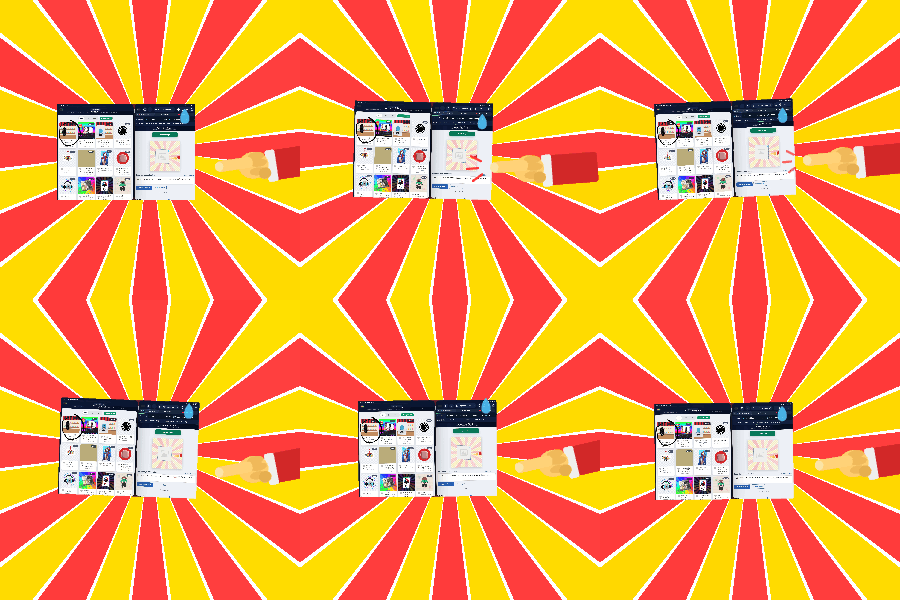
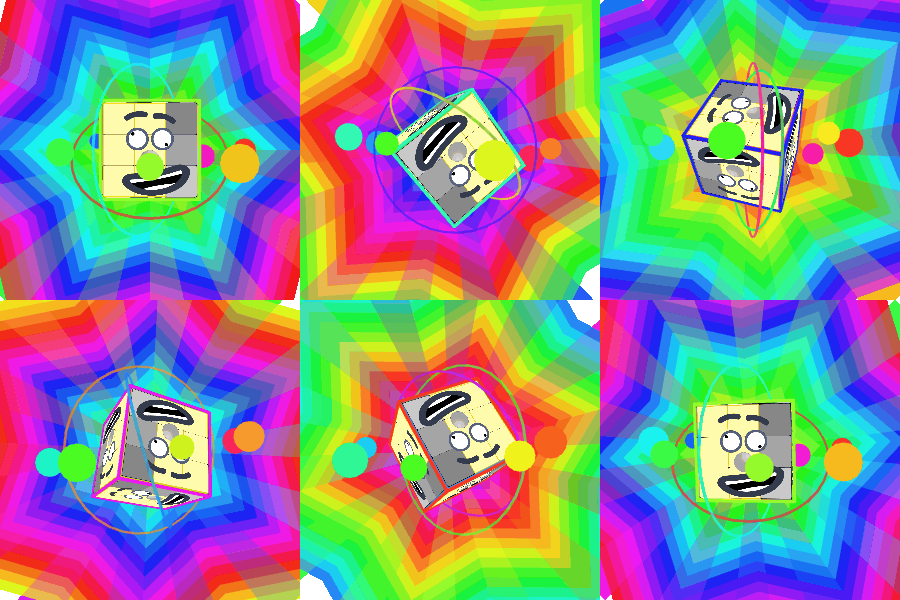
Try another title or creator name, or explore all the community loops.
Showing 15 of 221 community GIFs.
Create in three simple steps. Choose an image and motion preset, then use the full online editor to preview, tune, and export your animated loop.
From artwork to product presentations, a little motion can go a long way.
“A single image, a motion preset, and a live preview — a simple starting point for a playful loop.”

“Transparent backgrounds and adjustable timing make it easy to shape a GIF around the artwork.”

“The preview helps refine the motion before exporting a looping image for a product presentation.”

“Create the loop, then use the text, speed, and crop tools to prepare it for the next post.”

Illustrative feedback — sample profiles and comments.
Control the motion, timing, canvas, background, and finish without installing desktop animation software.
Choose a JPEG, PNG, GIF, or WebP file from your device. The tool animates the image itself, so no 3D model file or account is required.
Spin, orbit, unfold, distort, and transform one image. Apply a 360 spin, rotating shape, float, bounce, glitch, wave, or another local motion preset.
Set output size from 1–1300 px, playback from 1–50 fps, frames from 1–150, and zoom from −100% to 100%. Fine-tune the loop to fit your project.
Combine visual filters with a transparent, solid-color, or image background, then export the finished GIF locally.
Inspect the animated GIF before you export it. Preview how spins, flips, orbits, rocking, and bounce effects give a flat image a different kind of movement.
Your source image stays on your device. Make a short motion study, social loop, or visual experiment without opening a full desktop editor.
Keep editing your finished loop: add readable text, adjust playback speed, or crop every frame.
Open the full studioLearn how to make a better animated GIF. Use focused guides to prepare the source image, write readable captions, adjust playback speed, and crop every frame consistently.
Use a practical four-stage animated GIF workflow that settles motion first, adds readable text, tunes playback timing, and crops the final composition.
6 min readPlan a focused product demo GIF with one clear action, controlled motion, readable captions, appropriate pacing, and a crop that survives every frame.
5 min readUnderstand local browser GIF editing, what happens when a file is decoded and exported, what privacy claims mean, and what to check before sharing.
5 min readImprove animated GIF caption readability with shorter copy, better placement, practical text size, controlled backgrounds, and effective outlines.
5 min read
A few things to know before you bring your image to life.
It turns one still image into a looping animated GIF with a 3D-style motion effect. It does not create or export a 3D model file.
No. Choose an image and use the editor right in your browser. No software installation or account is required.
Start with a JPEG, PNG, GIF, or WebP image. The studio animates one source image and exports a looping GIF.
Yes. Every current tool is free to use, with no subscription or paid tier.
Your source image is read and rendered in your browser. The homepage uses local browser storage to carry your selected image into the studio without uploading it.
Choose from 72 motion effects and 15 filters. Set image size from 1–1300 px, speed from 1–50 fps, frames from 1–150, and zoom from −100% to 100%.
Yes. Choose a transparent, solid-color, or image background in the studio, preview the result, then export your GIF.
Download it for a social post, a looping product image, a presentation, or a motion experiment. You can also add text, adjust playback speed, or crop it with the other free tools.
Reviewed September 2026. Questions or corrections?
Start with one still image, choose a motion, and download a custom animated loop for free.
Start creating — free